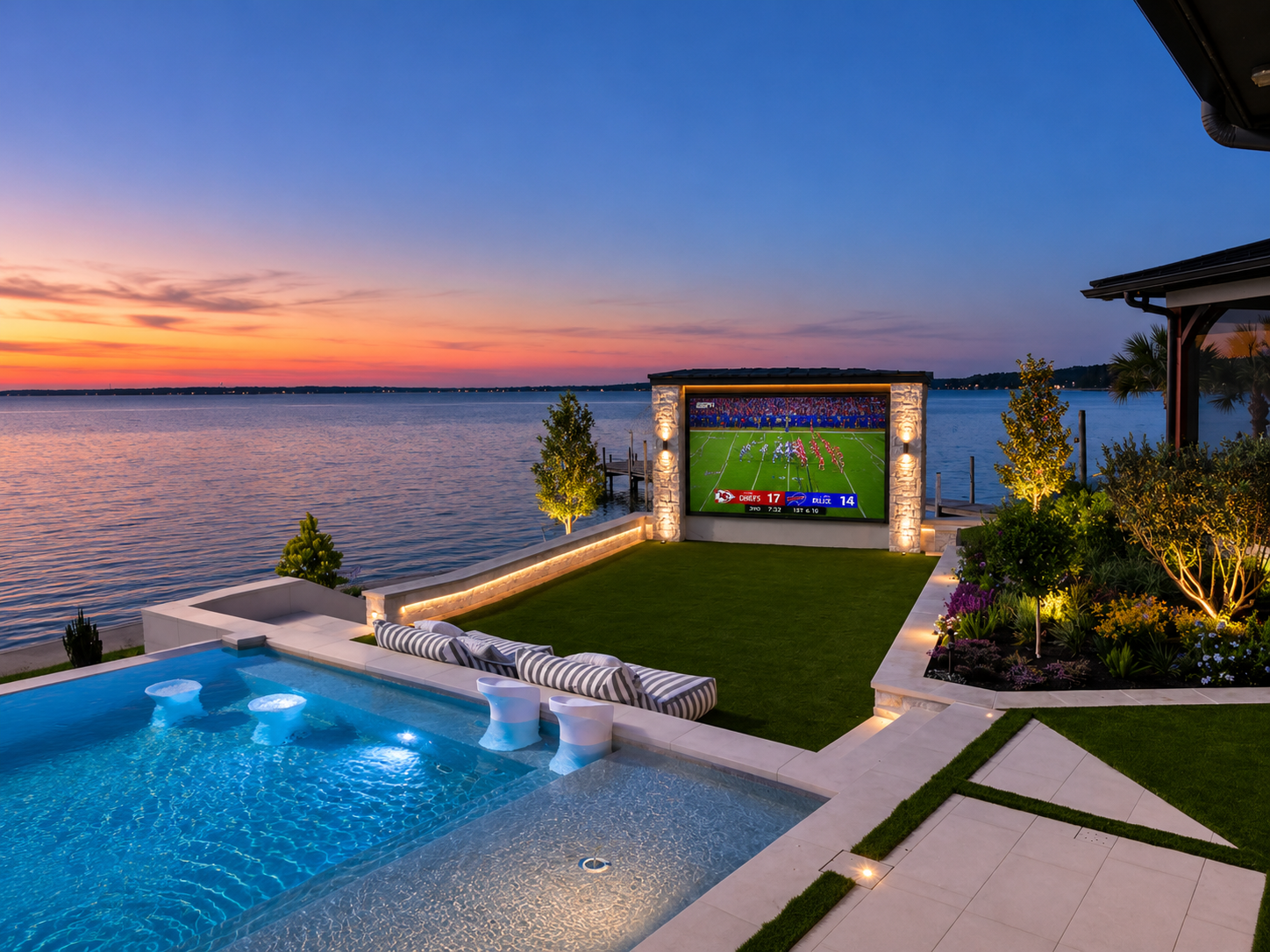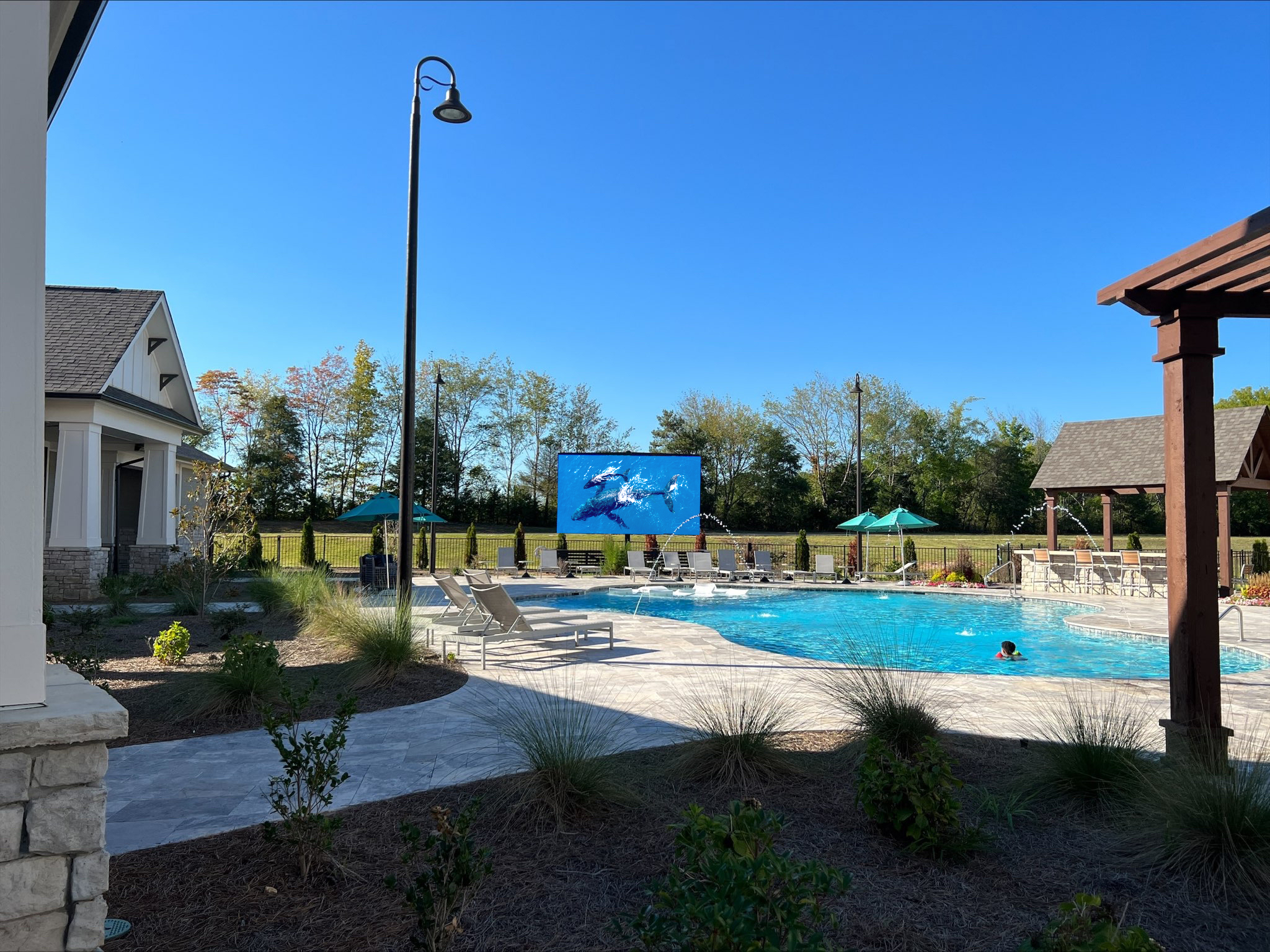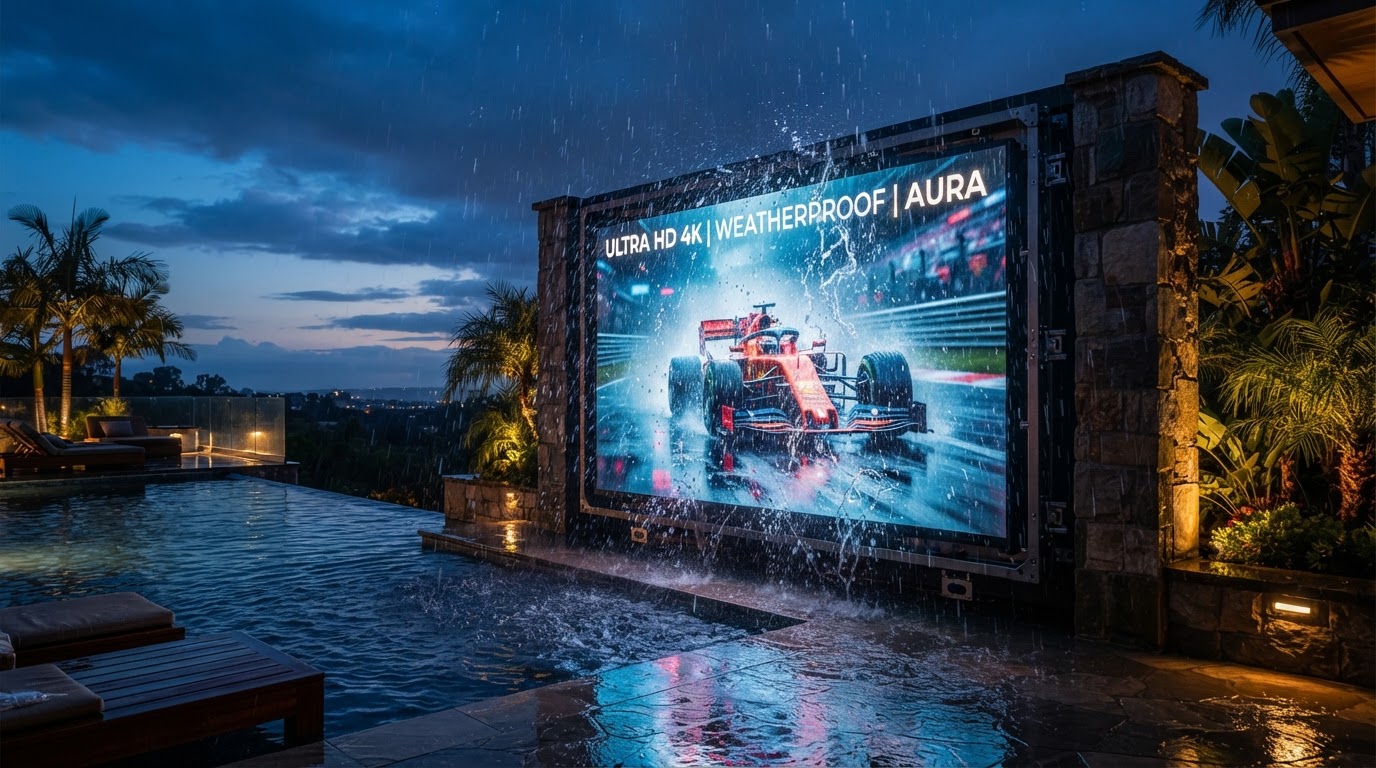
Top 9 Tips for Installing Your Outdoor TV Like a Pro
Power, data, mount, vault, weather sealing, and more, the nine decisions that separate a pro install from a screen that fails in its first storm.
In This Guide
- 01.1. Verify the Brightness, By the Number
- 02.2. Demand a Certified IP Rating
- 03.3. Run Dedicated Power
- 04.4. Protect the Data Path
- 05.5. Engineer the Structural Mount
- 06.6. Plan a Subterranean Vault for the Controllers
- 07.7. Size to the Sightline
- 08.8. Provide Weather-Sealed Access
- 09.9. Specify Modular Serviceability
- 10.The Common Thread
- 11.Frequently Asked Questions
An outdoor TV install fails for predictable reasons: under-brightness, uncertified weather sealing, shared circuits, exposed data runs, and mounts bolted into an afterthought. The fixes are all decisions you make before the first panel goes up.
1. Verify the Brightness, By the Number
Ask for the verified nit rating, not the marketing peak. For any direct-sun exposure, 5,000–6,000+ nits is the floor.
YOLO TV outdoor displays are engineered specifically for demanding outdoor environments. Our standard outdoor systems deliver approximately 6,000 nits of brightness, with configurations available from 4,000 to 7,000 nits based on the application. Recommended brightness depends on factors such as screen orientation, direct sun exposure, viewing time, pixel pitch, geographic location, and intended use.
2. Demand a Certified IP Rating
If the spec sheet does not state an IP number, assume it is not rated for permanent outdoor exposure.
Outdoor systems are available with IP65–IP68 ingress-protection ratings, depending on the specific display configuration and installation environment. Ingress-protection requirements can vary based on cabinet and module construction, system configuration, installation environment, and the level of weather protection required.
3. Run Dedicated Power
An outdoor LED display needs its own dedicated circuit, not a shared patio outlet. Undersized power causes flicker, dimming, and thermal trips.
4. Protect the Data Path
The data run to the media source should be direct, weather-sealed, and surge-protected. A long exposed run is the most common cause of intermittent signal loss.
5. Engineer the Structural Mount
A large-format display carries real weight and wind load. Frame the mount into the structure during construction, do not bolt it into a finished wall.
6. Plan a Subterranean Vault for the Controllers
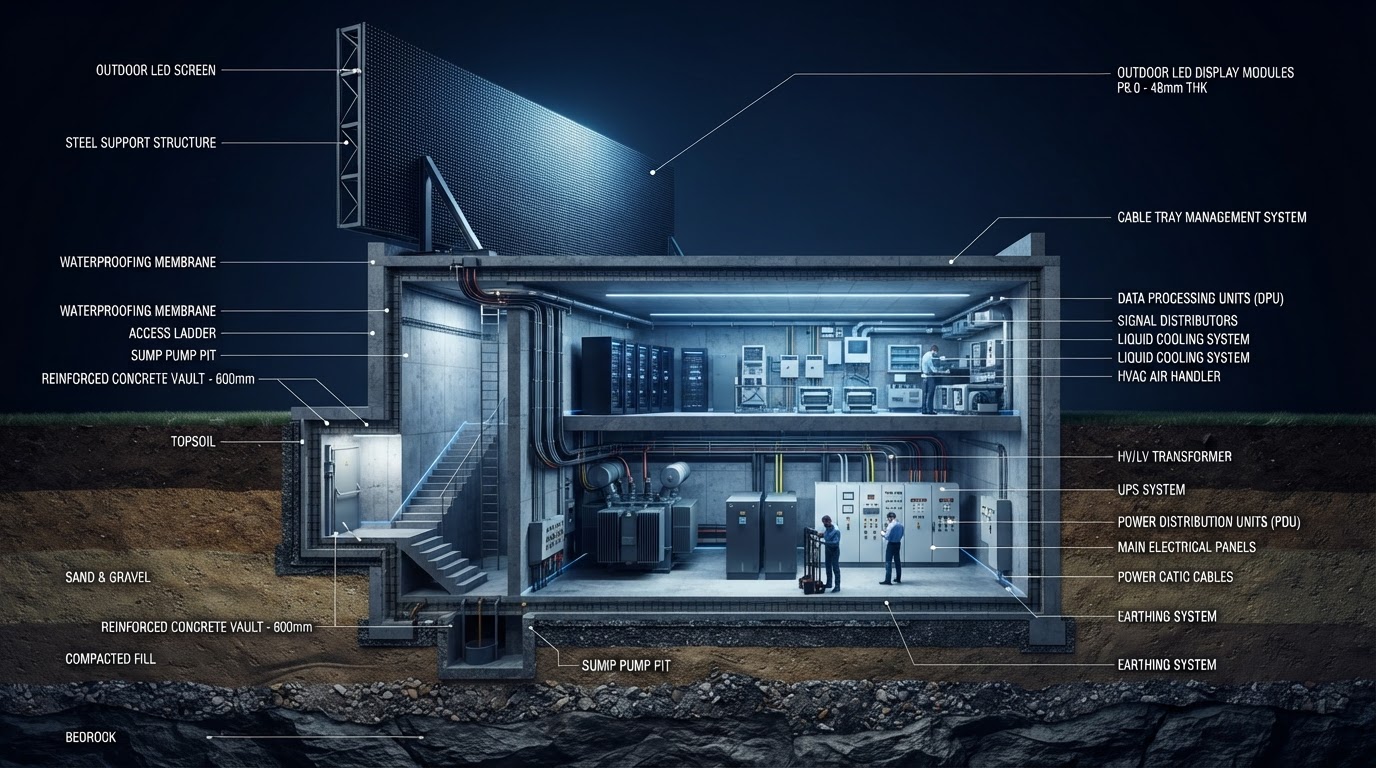
The components that fail first are the power supply and controller, not the panel. A vault keeps them thermally stable and weather-sealed, and is straightforward to pour during a remodel and destructive to add later.
Heat kills electronics faster than water does. The vault solves both.
7. Size to the Sightline
A comfortable viewing distance is roughly 1.5× the screen height. Size to the space, not the budget, the right diagonal disappears into the architecture.
8. Provide Weather-Sealed Access
Every component should be serviceable without dismantling the display. A weather-sealed, lockable access hatch keeps the system serviceable for years.
9. Specify Modular Serviceability
When a consumer TV fails, the whole unit is replaced. When a modular LED tile underperforms, that single tile is swapped in the field. Specify the field-serviceable option.
Every YOLO TV residential display is backed by our industry-leading 5-Year Peace of Mind Parts Warranty. Covered YOLO TV components are protected for five years, and because our LED systems are modular, many parts can be replaced individually without replacing the entire display. On-site service, technician travel, shipping, and third-party labor may be separate unless specifically included in your agreement.
The Common Thread
Every one of these is a decision made before construction, not after. A pro install is not a better brand of TV, it is power, data, mount, and vault planned into the build so the display is still running years after the patio is finished.
Frequently Asked Questions
Quick answers to the questions homeowners ask most.
For large-format LED displays, professional installation is recommended. Structural mounting, electrical, data routing, and weather-sealed component housing require coordination that is difficult to achieve correctly without experience.
Small consumer outdoor TVs can be self-installed with standard mounts. For large-format LED systems weighing hundreds of pounds, professional installation ensures structural safety, proper weather sealing, and correct signal routing.
Power and data should run behind finished surfaces during construction or through concealed conduit. Exposed cables are both a code issue and a durability issue in outdoor environments.
Permit requirements vary by jurisdiction and installation type. Wall, pole, structural, electrical, and Rise installations may be subject to local permitting or engineering requirements. YOLO TV provides display and installation specifications for your contractor or permitting authority.
Written by YOLO TV
YOLO TV designs and installs luxury outdoor TVs, hidden Rise™ TV systems, and custom outdoor entertainment solutions for homeowners, builders, architects, designers, and AV integrators. Our engineering team specializes in creating unforgettable outdoor viewing experiences.
Standard Specifications
- Power
- Dedicated circuit
- Mount
- Structural / engineered
- Controllers
- Subterranean vault
- Serviceability
- Modular, field-replaceable
Find the Right Display for Your Outdoor Space
Send YOLO TV a few pictures of your backyard, your installation address, and your approximate viewing distance. We'll help determine the size, brightness, and configuration that make sense for your space.
You May Also Like
More guides and case studies from the YOLO TV engineering team.