Can't See Your Outdoor TV During the Day? Here's How Bright It Really Needs to Be
Outdoor TV brightness explained: Why your screen looks washed out in sunlight, how many nits you actually need, and what to consider before buying.
In This Guide
- 01.Why Does My Outdoor TV Look Great at Night but Terrible During the Day?
- 02.What Are Nits, and Why Should You Care?
- 03.Watching TV From the Pool? Here's What Most People Overlook
- 04.Sunday Football Shouldn't Require Waiting Until Sunset
- 05.Direction and Orientation Matter
- 06.Why Nits Alone Are Not Enough
- 07.Find the Right Brightness for Your Space
- 08.Frequently Asked Questions
You've invested in the perfect backyard. Maybe there's a beautiful swimming pool, an outdoor kitchen, comfortable seating, and a TV mounted on the patio wall.
It's Saturday afternoon. The kids are swimming, friends are over, and you've got the big game on.
There's just one problem.
Nobody can see what's happening on the TV.
The screen looks washed out. Dark scenes are nearly impossible to make out. Someone suggests closing the patio shades. Another person asks if you can turn up the brightness.
Sound familiar?
This is one of the most common frustrations homeowners experience with outdoor televisions. And it often has nothing to do with the size of the screen or how much they spent on it.
The problem is brightness. More specifically, it's whether your outdoor TV produces enough brightness to compete with daylight.
Why Does My Outdoor TV Look Great at Night but Terrible During the Day?
Think about the last time you watched your outdoor TV after sunset.
The picture probably looked pretty good. Colors were vibrant, details were clear, and everyone could follow the action.
Now think about watching that same television at 2 p.m. on a sunny afternoon.
Suddenly, everything looks faded. You can barely make out the players on the field, and reflections become distracting.
What changed?
Not the television. The amount of light competing with the screen changed.
Outdoor environments expose a television to dramatically more ambient light than an indoor living room. Sunlight, bright concrete, light-colored patios, and reflections from swimming pools can all make the picture harder to see.
Even a television marketed as an "outdoor TV" may struggle in certain daylight conditions. That's because not all outdoor televisions are designed for the same environments.
A screen that performs beautifully beneath a heavily shaded patio may be difficult to see when installed beside an open swimming pool.
And this is where something called nits becomes important.
What Are Nits, and Why Should You Care?
You don't need to understand television engineering to understand nits.
Nits are simply a measurement of screen brightness. The higher the nit rating, the more light a display can produce.
Think of it like trying to use your phone outside on a sunny day. When the screen is dim, you struggle to read anything. When you increase its brightness, the screen becomes easier to see.
The same principle applies to your backyard television, except that large outdoor displays may need significantly more brightness.
For YOLO TV's large-format direct-view LED displays, our brightness planning guidelines are:
| Your backyard environment | Recommended brightness |
|---|---|
| Covered or heavily shaded patio | About 4,000 nits |
| Partially shaded outdoor space | 4,500–5,000 nits |
| Open backyard or direct sunlight | 5,000–6,000+ nits |
| Challenging afternoon sun or strong reflections | Up to 7,000 nits |
These are YOLO TV planning recommendations for our direct-view LED systems, not universal requirements for every outdoor television technology. Our standard outdoor LED configuration delivers approximately 6,000 nits, with other configurations available depending on the installation.
But here's what many homeowners don't realize:
The brightest television isn't automatically the right television. The right brightness depends on your backyard.
Watching TV From the Pool? Here's What Most People Overlook
Imagine floating in your swimming pool on a beautiful summer afternoon.
You've got a cold drink, your favorite playlist or sporting event is on, and you've designed your backyard around being able to enjoy entertainment outside.
But when you look toward the television, all you see is glare.
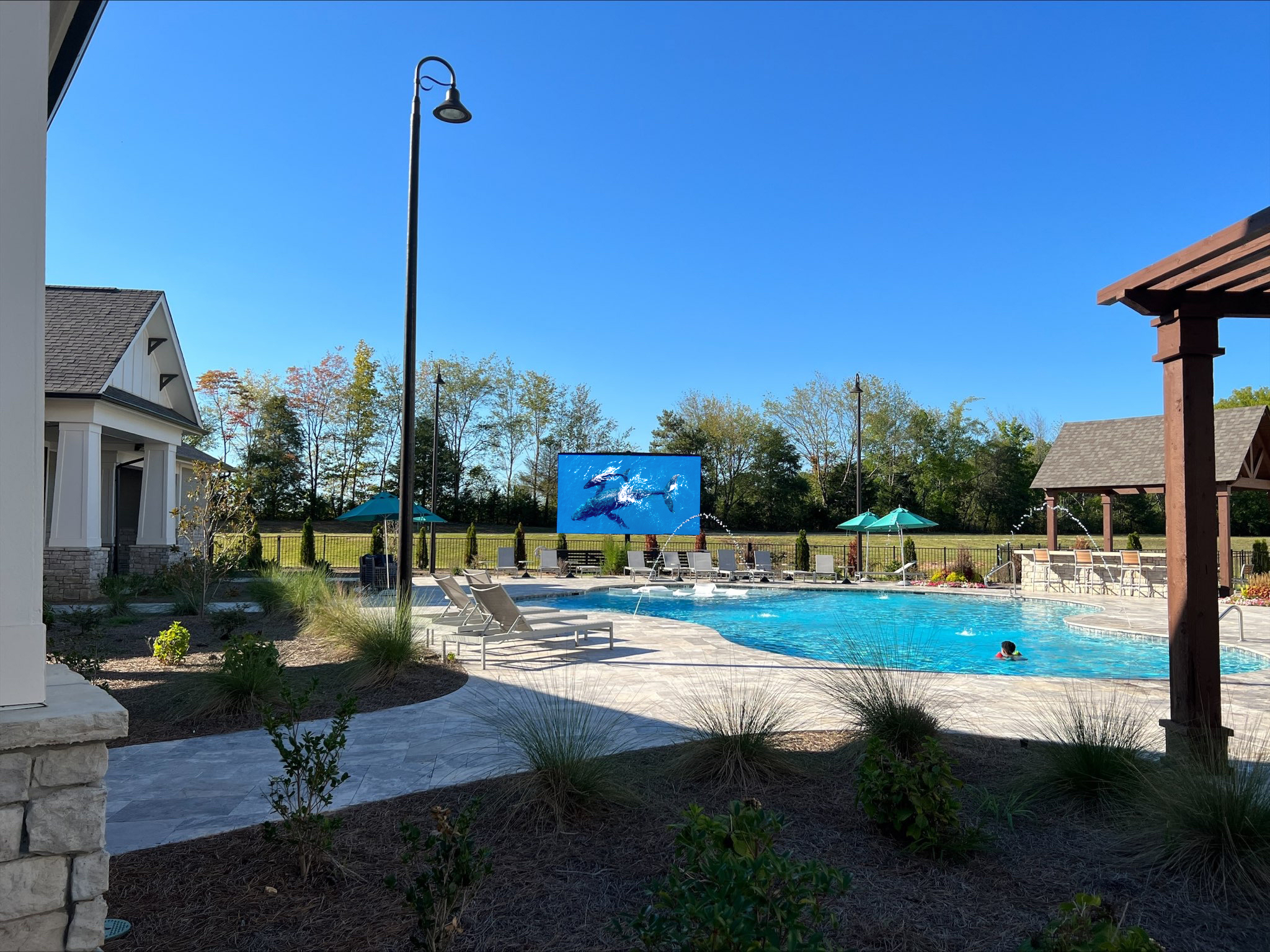
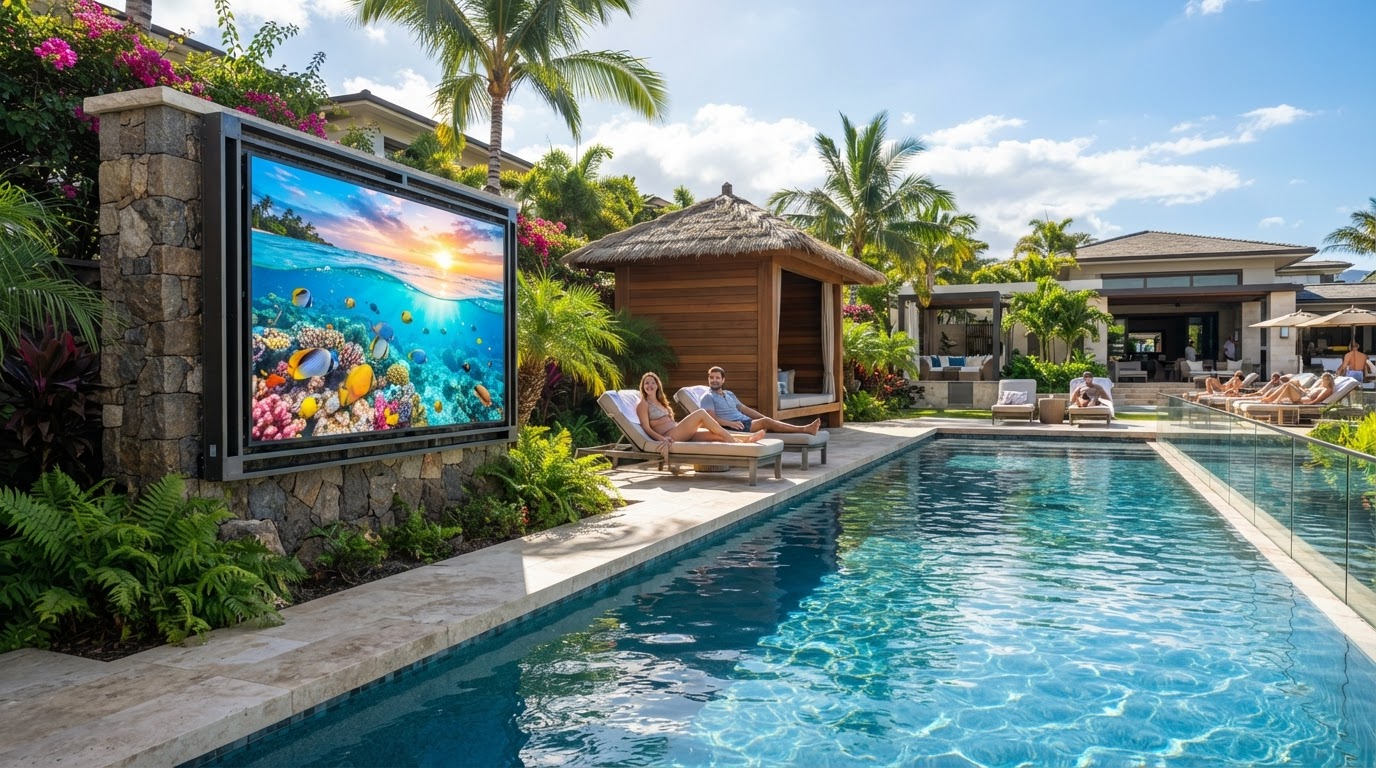
Poolside viewing can be particularly challenging because you're dealing with more than sunlight alone.
Water reflects light. Light-colored pool decking reflects light. And depending on where the television is installed, the sun may be shining directly toward the screen or into your eyes.
That means a television positioned perfectly for nighttime viewing might perform poorly during the hours you actually use your pool.
Before choosing an outdoor TV, ask yourself:
- Will I primarily watch from inside the pool or from the patio?
- Does the sun shine directly on the television during the afternoon?
- Will I be watching football, movies, or other entertainment during daylight hours?
- Are there reflections from the pool, concrete, or nearby windows?
These questions are just as important as deciding whether you want a 115-inch, 158-inch, or 202-inch screen.
At YOLO TV, we look at how homeowners actually intend to use their outdoor space before recommending a display. Because the goal isn't simply to install a big television. It's to install a television you can actually enjoy.
Sunday Football Shouldn't Require Waiting Until Sunset
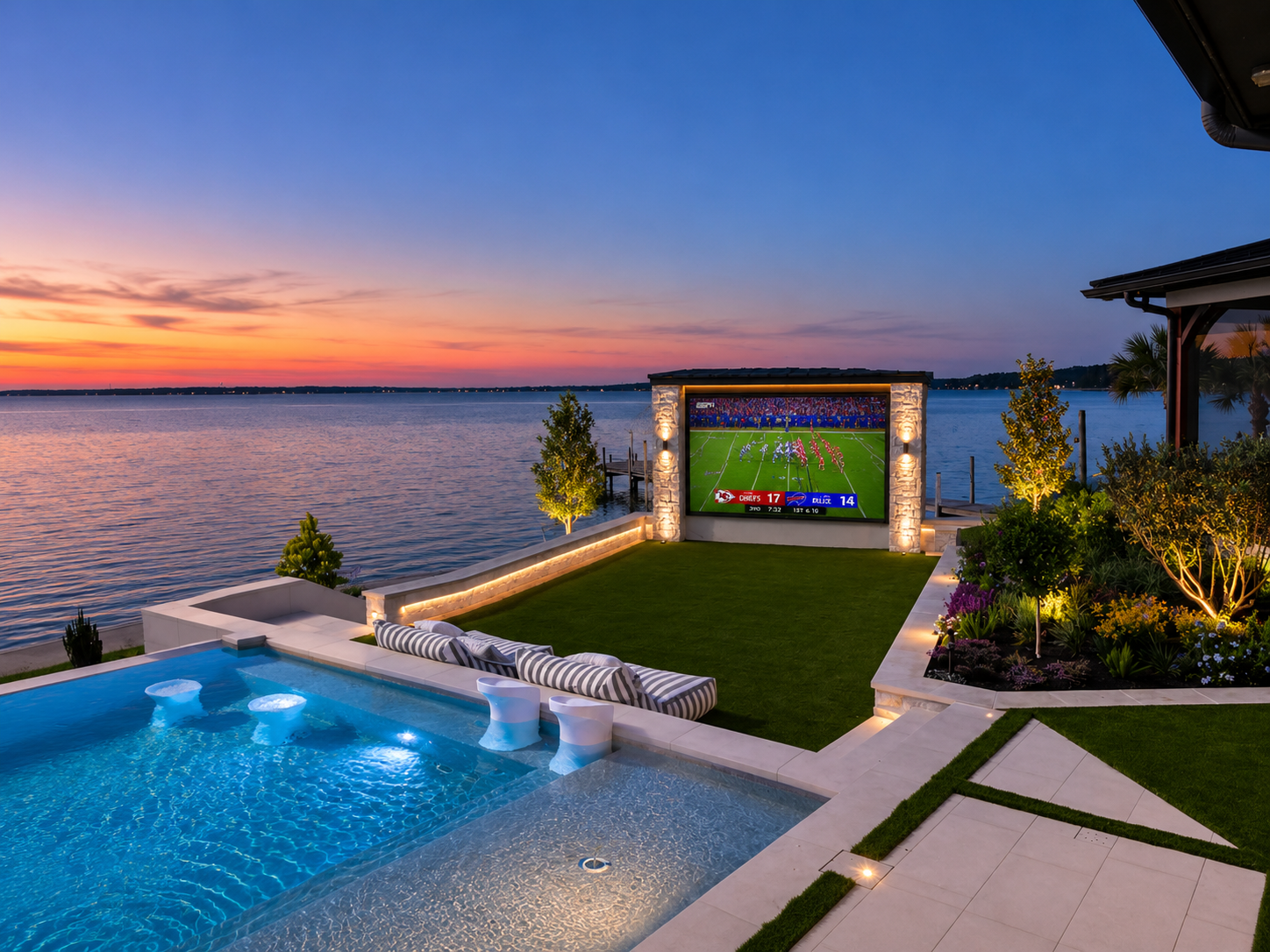
For many homeowners, outdoor entertaining revolves around sports.
Football on Sunday afternoons. Baseball during the summer. College games on Saturdays.
These are the moments when your backyard should become the best seat in the house.
But they're also the moments when the sunlight can be most challenging.
Imagine inviting 15 friends over for a 3 p.m. kickoff, only to discover that the television becomes difficult to see as the afternoon progresses.
Nobody wants to move the party inside because the outdoor television can't keep up with the sun.
That's why we pay particular attention to the time of day you'll actually be watching.
A covered patio facing north may have very different brightness requirements from a west-facing installation exposed to intense afternoon sun.
And if your television is installed on a west-facing wall, those late-afternoon viewing hours deserve special attention.
A high-brightness LED display can help maintain a visible, colorful image in these challenging conditions, although placement, reflections, and viewing angles still matter.
Direction and Orientation Matter
The direction your TV faces can change the brightness you need as much as whether it's covered. In the Northern Hemisphere, a west-facing screen takes the full force of low afternoon and evening sun, often right in the middle of prime viewing time for games and gatherings. An east-facing screen gets morning sun but is often in shade by afternoon. North-facing screens typically see the least direct sun, while south-facing screens can get sun through much of the day.
Low-angle sun is especially tricky because it can slip under roofs and overhangs that block midday light. That's why a "covered" west-facing patio sometimes needs partial-sun or even full-sun brightness. Before choosing a TV, notice where the sun hits the wall or mounting location at different times of day. Mounting matters too: YOLO outdoor displays can be wall-mounted, pole-mounted, suspended, rotated, or hidden in a Rise lift, which gives you more freedom to aim the screen away from the worst glare. See the outdoor display sizes and mounting options.
Why Nits Alone Are Not Enough
It's tempting to shop for the biggest nit number, but brightness is only one part of outdoor performance. Several other factors decide whether you can actually see the picture outside.
Glare and reflection control. A bright screen with a reflective surface can still be washed out by reflections. Anti-glare and anti-reflective treatments reduce how much sunlight bounces back at you, which can make a bigger visible difference than a few hundred extra nits.
Contrast. Brightness without good contrast gives you a picture that's bright but flat. Deep blacks and strong contrast keep the image sharp and detailed in daylight.
Heat management. Sun loading can push a screen's temperature up quickly. Outdoor TVs need to be engineered to handle heat so the display stays stable and doesn't darken or fail in hot conditions, especially in climates like Las Vegas or Phoenix. YOLO outdoor displays use active internal thermal management for this reason.
Weather protection. Rain, dust, humidity, and temperature swings all take a toll. A truly outdoor-rated TV is built to handle the environment, not just survive it. YOLO outdoor displays use IP65–IP68 weather-sealed, marine-grade enclosures and are covered by a five-year residential warranty.
Polarized sunglasses compatibility. Some screens can appear dark or blacked out through polarized lenses, which matters when people are watching outside in sunglasses.
The best outdoor TV is the one matched to your space, not simply the one with the highest number on the spec sheet.
Find the Right Brightness for Your Space
Not sure which range fits your patio, pool deck, or backyard? Tell us where your TV is going, which direction it faces, and when you'll be watching. The YOLO TV team will recommend the right configuration, from 4,000 to 7,000 nits, for your exact space, usually within 24–48 hours.
Prefer to talk it through? Call (844) 4YOLOTV / (844) 496-5688, Monday–Friday, 8 AM–6 PM CST.
Frequently Asked Questions
Quick answers to the questions homeowners ask most.
It depends on sun exposure. YOLO TV recommends about 4,000 nits for covered or heavily shaded areas, 4,500–5,000 nits for partial sun, and 5,000–6,000+ nits for direct or full sun. Challenging high-ambient-light spaces may need up to 7,000 nits.
For most outdoor spaces, no. Around 1,000 nits can work in deep shade or at night, but daytime ambient light usually washes it out. For covered patios, YOLO TV recommends starting at about 4,000 nits.
Yes. West-facing screens take strong afternoon and evening sun, often during peak viewing hours, and may need a higher brightness range than their coverage alone suggests.
Not if you can turn it down. A high-brightness display can be dimmed for evening viewing. One YOLO TV owner runs their display at 10% brightness at twilight for a soft backyard glow. Buying for your brightest viewing hours is the safer choice.
No. Glare control, contrast, heat management, and weather protection all affect how well you can see the screen outside. Nits are the starting point, not the whole decision.
Indoor TVs aren't built for outdoor brightness, heat, or moisture. They're typically far too dim for daytime outdoor viewing and can fail from exposure to the elements.
Written by YOLO TV
YOLO TV designs and installs luxury outdoor TVs, hidden Rise™ TV systems, and custom outdoor entertainment solutions for homeowners, builders, architects, designers, and AV integrators. Our engineering team specializes in creating unforgettable outdoor viewing experiences.
Standard Specifications
- Display Type
- Direct-view LED
- Covered Patio
- About 4,000 nits (planning)
- Partial Sun
- 4,500–5,000 nits (planning)
- Direct Sun
- 5,000–6,000+ nits (planning)
- Standard Config
- About 6,000 nits
- High-Ambient Configs
- Up to 7,000 nits
- Weather Protection
- IP65–IP68
- Warranty
- 5-Year Residential
Find the Right Display for Your Outdoor Space
Send YOLO TV a few pictures of your backyard, your installation address, and your approximate viewing distance. We'll help determine the size, brightness, and configuration that make sense for your space.
You May Also Like
More guides and case studies from the YOLO TV engineering team.