Can I Use Apple TV, Roku, DirecTV, YouTube TV, Netflix and Gaming Systems on a YOLO TV?
Our processor allows you to connect multiple devices using HDMI.
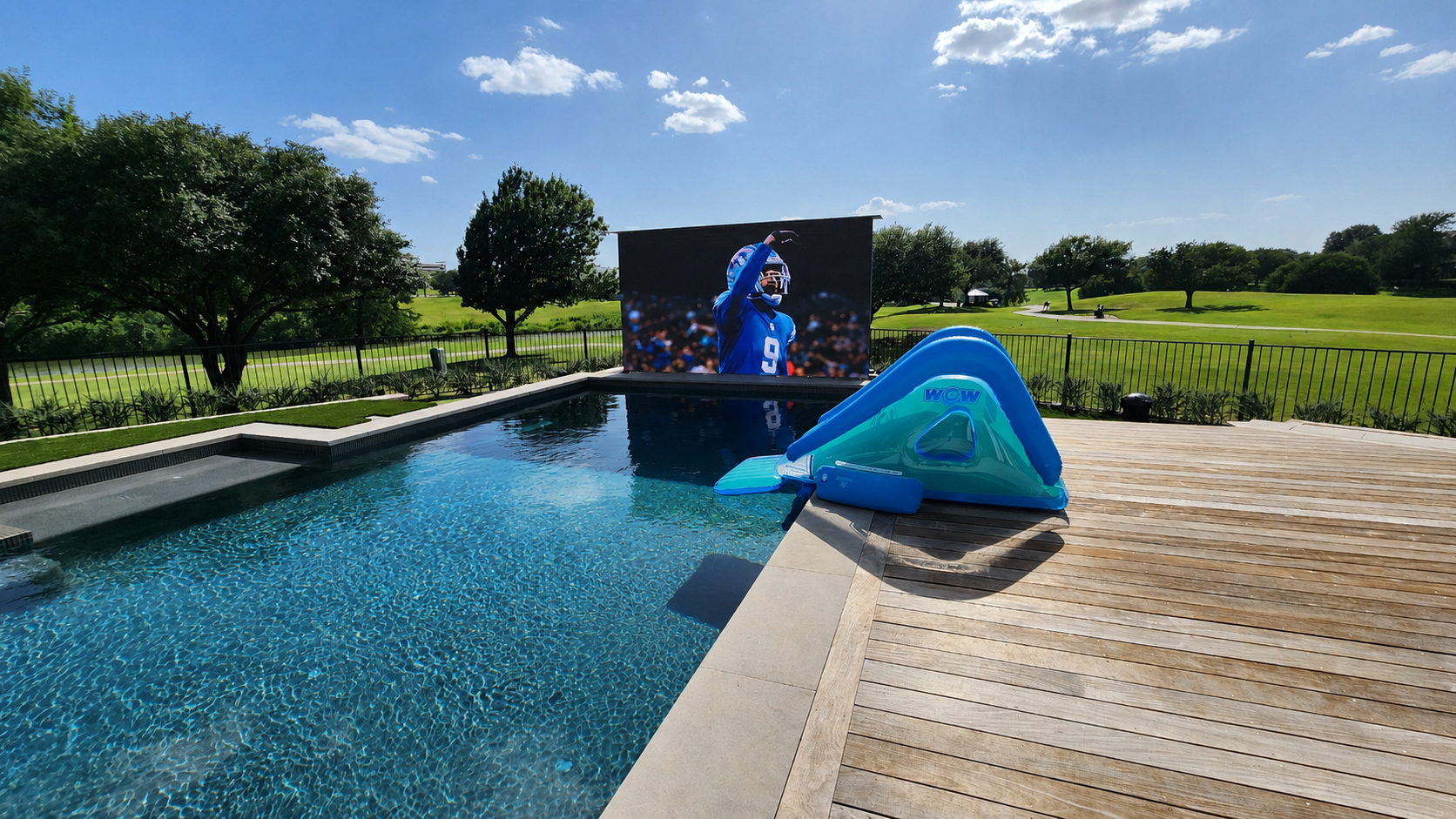
In This Guide
- 01.The Short Answer
- 02.Examples of What Works with a YOLO TV
- 03.Why a YOLO TV Doesn't Have Built-in Apps, and Why That's a Good Thing
- 04.Can I Use Streaming Apps Like Netflix and YouTube TV?
- 05.Can I Watch DirecTV, Satellite or Cable?
- 06.Can I Connect a PlayStation, Xbox or Nintendo Switch?
- 07.Where Do the Streaming Boxes and Receivers Go?
- 08.How Do I Switch Between Apple TV, Cable and Gaming?
- 09.What About Sound?
- 10.Standardized YOLO TV Engineering Specifications
- 11.Frequently Asked Questions
- 12.Plan Your Sources Before You Build
The Short Answer
Our processor allows you to connect multiple devices using HDMI. A YOLO TV works with any source that has an HDMI output, including Apple TV, Roku, Fire TV, a DirecTV or cable box, PlayStation, Xbox, and Nintendo Switch. Apps like Netflix and YouTube TV run on your streaming box, not on the screen itself. What matters is planning where those sources live and how the signal reaches the YOLO video processor.
That is the big difference between a YOLO TV and the TV in your living room. A YOLO TV is a large-format LED display system, from 115" to over 317", driven by a dedicated video processor. It does not come with a built-in app store. You bring the source you already use, and the screen shows it, big, bright and outdoors.
Examples of What Works with a YOLO TV
| What You Want to Watch | What You Connect | How It Reaches the Screen |
|---|---|---|
| Netflix, Disney+, Max, Prime Video, Apple TV+ | Apple TV, Roku, Fire TV or similar streamer | HDMI from the streamer to the YOLO video processor |
| YouTube TV, Hulu + Live TV, Sling, DirecTV Stream | The live-TV app on your streamer | HDMI from the streamer |
| DirecTV satellite, Dish, cable TV | Your provider's receiver or cable box | HDMI from the receiver |
| PlayStation, Xbox, Nintendo Switch | The console | HDMI from the console; signal path planned for gaming |
| Sports packages (NFL Sunday Ticket, MLB.TV, ESPN+) | The app on your streamer, or your satellite receiver | HDMI from that device |
| Laptops, Blu-ray, AV receivers, distribution systems | The device or your AV system | HDMI (SDI also supported) |
Why a YOLO TV Doesn't Have Built-in Apps, and Why That's a Good Thing
Smart TV software ages fast. Apps stop getting updates, menus slow down and new streaming formats skip older platforms. On a regular TV, that is annoying. On a permanently installed, architectural-scale display, it would be a real problem.
Keeping the apps on a separate box solves it. When something better comes out, you swap a streaming box, not the screen. Your YOLO TV keeps doing what it does best: delivering a bright, clear picture outdoors, year after year.
It also means no learning curve. If your family already lives on Apple TV or Roku, nothing changes, same apps, same logins, same remote.
Can I Use Streaming Apps Like Netflix and YouTube TV?
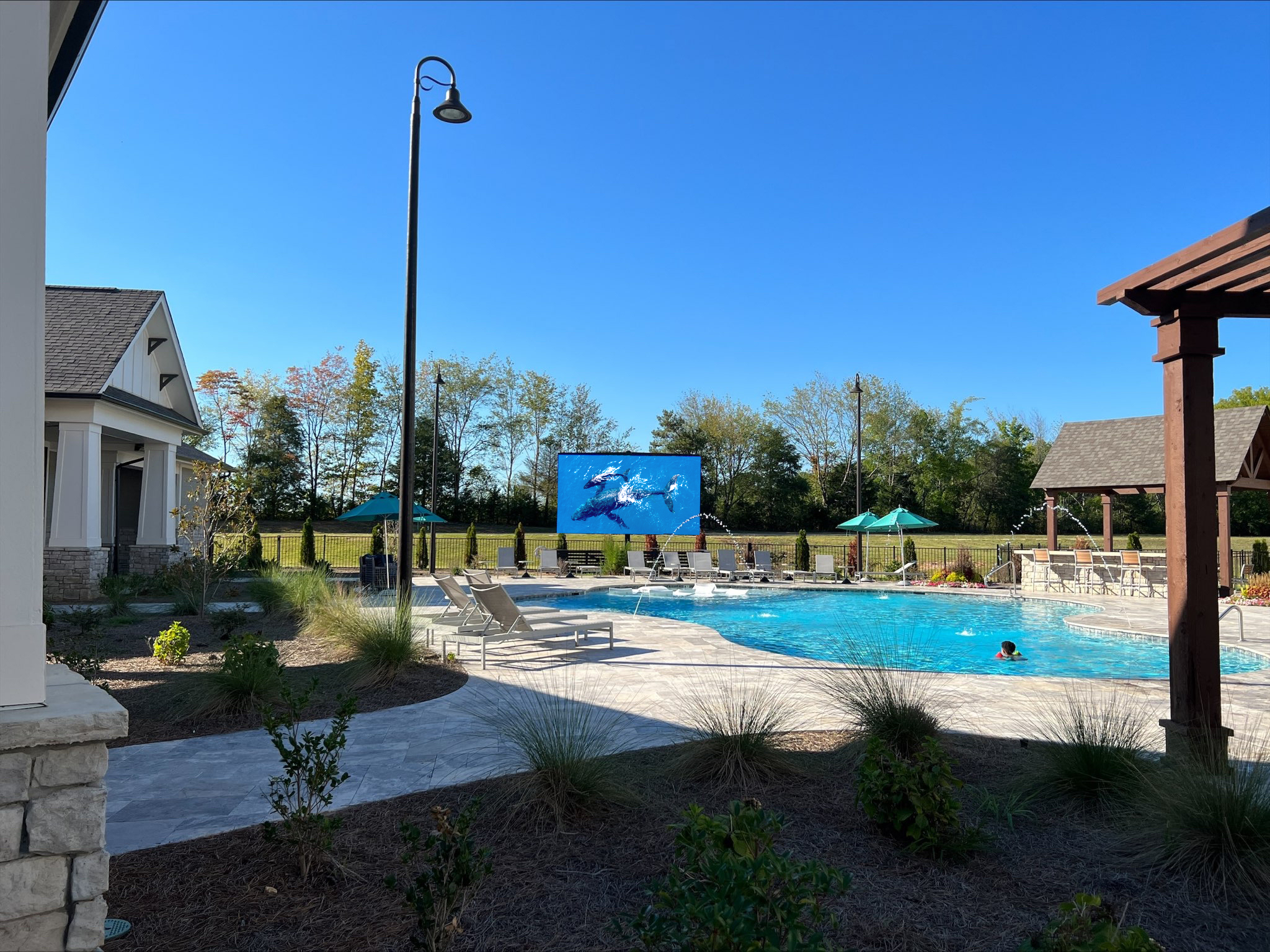
Yes. Netflix, YouTube TV and every other streaming service run on your streaming device. Connect an Apple TV, Roku or Fire TV, sign in once, and you are watching on a 158" screen by the pool.
One planning note: streamers need a reliable network connection. If the box will sit near the screen, make sure your Wi-Fi reaches the backyard well, or plan a wired connection.
Can I Watch DirecTV, Satellite or Cable?
Yes. Connect your DirecTV receiver, Dish receiver or cable box by HDMI, just like you would indoors. Prefer streaming? DirecTV Stream and YouTube TV run on a streaming box with no dish required.
Many owners connect both: a satellite receiver for sports packages and a streamer for everything else.
Can I Connect a PlayStation, Xbox or Nintendo Switch?
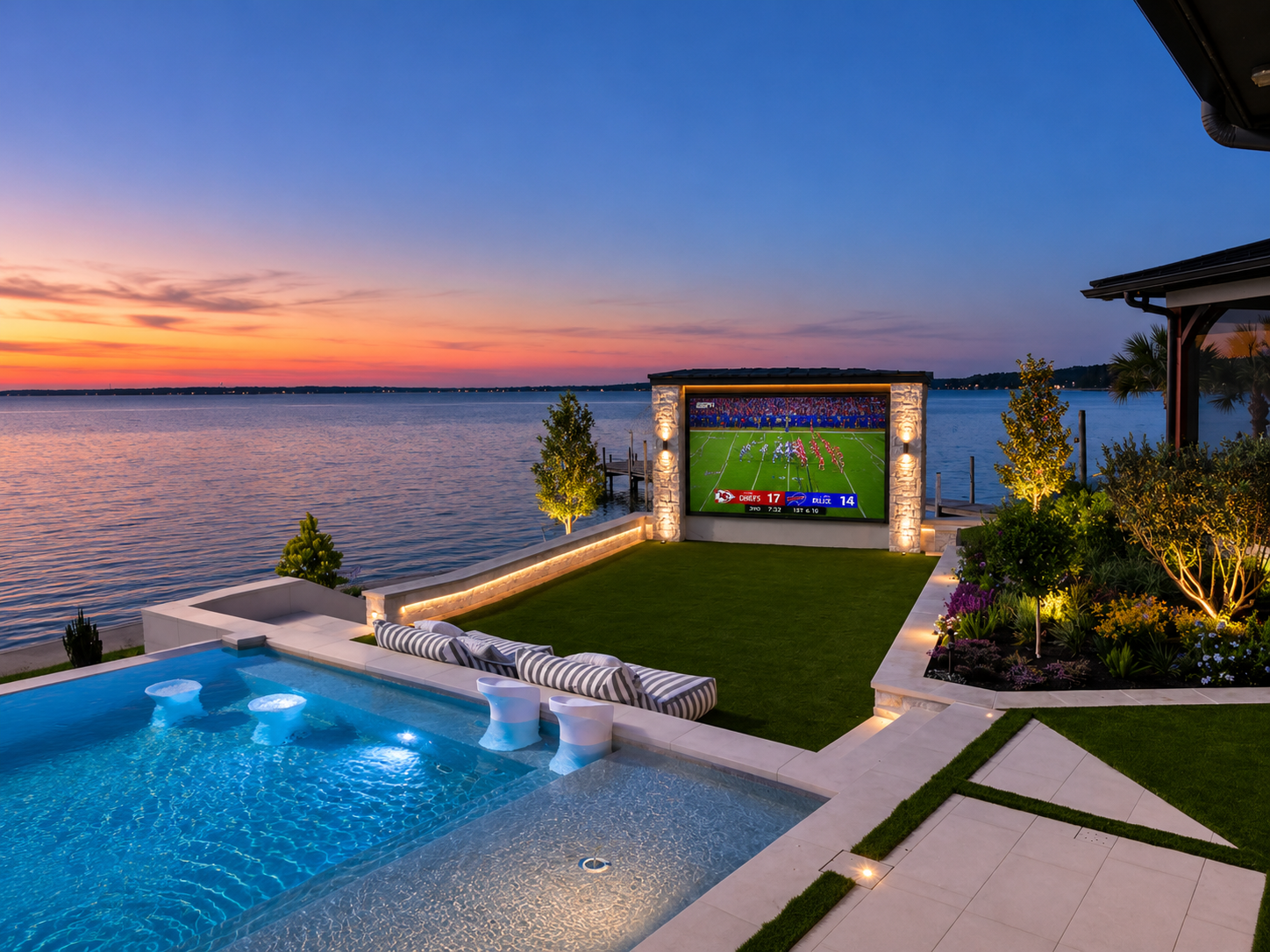
Yes. Gaming consoles connect over HDMI like any other source. Imagine Mario Kart on a 182" screen at the pool party, or the whole crew playing Madden on game day.
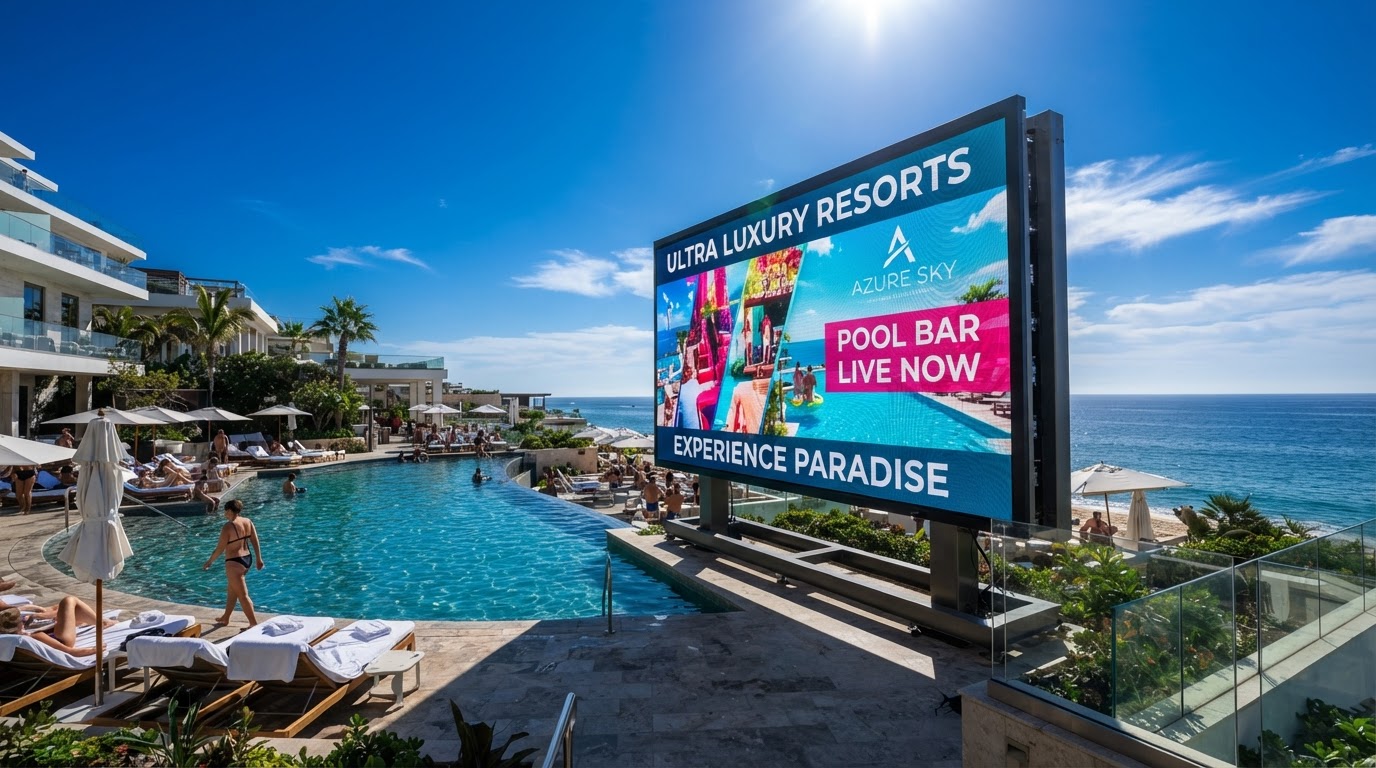
GAME DAY, OUTSIDE: Consoles connect over HDMI, plan the signal path during design for the lowest-latency setup.
If gaming is a big part of how you will use the screen, tell us during design. We will plan the signal path and setup with gaming in mind.
Where Do the Streaming Boxes and Receivers Go?
This is the question that actually matters. Your options usually look like this:
- Indoors in an AV rack or closet. Protected, easy to reach and easy to upgrade. The signal runs out to the processor over a planned long-distance connection.
- In a protected outdoor enclosure near the screen. Shorter runs, but the equipment must be shielded from heat and moisture.
- Through your existing AV system. If you already have a distribution system, the YOLO TV becomes another zone.
Standard HDMI cables only run so far before the picture becomes unreliable. Longer runs need the right extension method, which is why we plan it up front. Get it right during your backyard build and you will never think about it again.
How Do I Switch Between Apple TV, Cable and Gaming?
It depends on your setup. With a single source, you just use that device's remote. With several sources, switching is handled through your AV system or home automation. YOLO's video processor integrates with several home automation and sound systems.
Using Control4, Crestron, Savant or Josh.ai? The YOLO TV becomes another controllable zone, switch sources, adjust volume, and trigger scenes from a single interface or app.
What About Sound?
LED display walls do not rely on built-in TV speakers. Sound is designed as its own system, often as part of your outdoor audio. A dedicated outdoor speaker system delivers the impact a screen this size deserves, and integrates with your home automation for unified control.
Standardized YOLO TV Engineering Specifications
- Display Brightness: YOLO TV outdoor displays are engineered specifically for demanding outdoor environments. Our standard outdoor systems deliver approximately 6,000 nits of brightness, with configurations available from 4,000 to 7,000 nits based on the application.
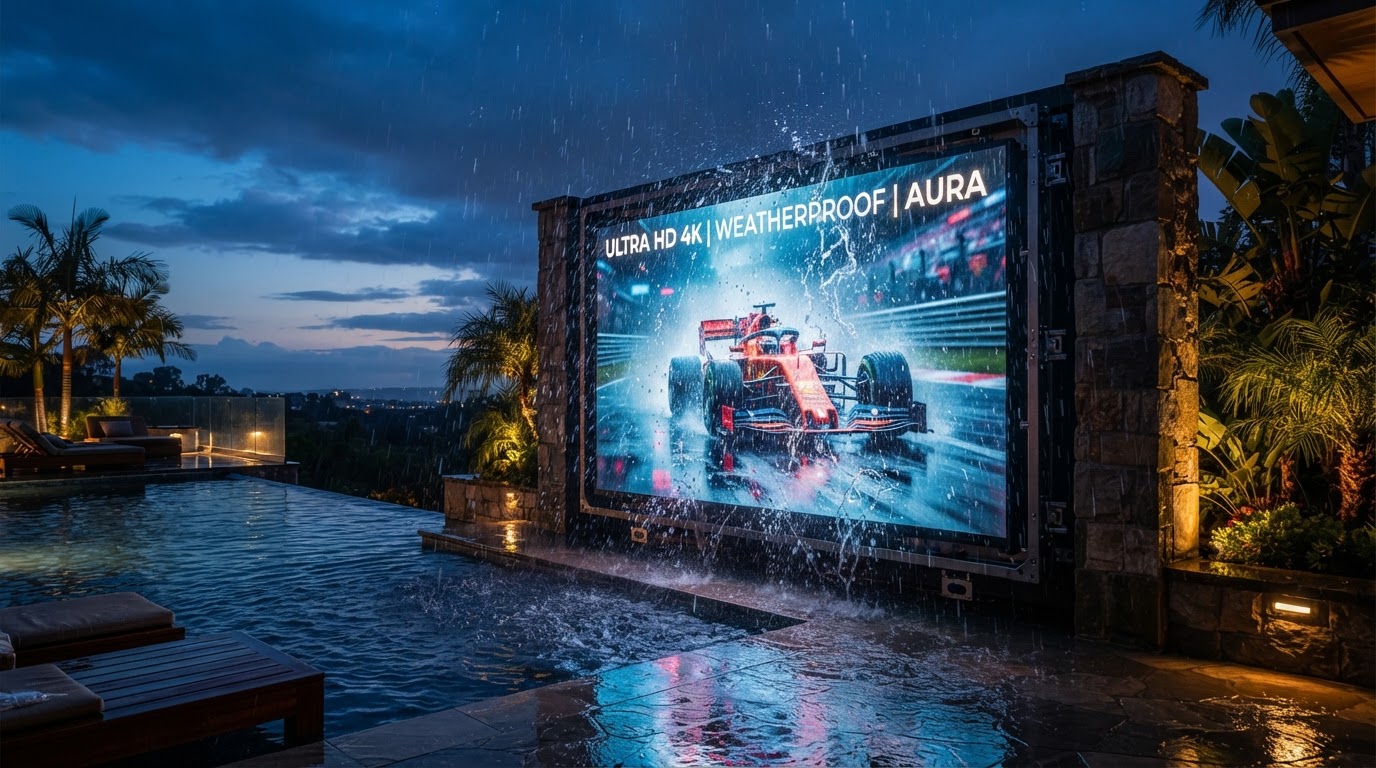
- Weather Protection: Outdoor systems are available with IP65–IP68 ingress-protection ratings, depending on the specific display configuration and installation environment. Ingress-protection requirements can vary based on cabinet and module construction, system configuration, installation environment, and the level of weather protection required.
- Starting Price & Scope: YOLO TV display systems start around $18,900. With typical site preparation, including construction, electrical, data, and mounting, most professionally installed projects start around $25,000 and range from approximately $25,000 to $150,000+, depending on display size, pixel pitch, installation type, structural requirements, and site conditions.
- Warranty Scope: Every YOLO TV residential display is backed by our industry-leading 5-Year Peace of Mind Parts Warranty. Covered YOLO TV components are protected for five years, and because our LED systems are modular, many parts can be replaced individually without replacing the entire display. On-site service, technician travel, shipping, and third-party labor may be separate unless specifically included in your agreement.
- Lead Time: YOLO TV lead times typically range from 8 to 16 weeks, depending on the product, configuration, and overall project complexity. Our standard fixed TV systems are generally ready for pickup or shipment in approximately 8 weeks, while Rise™ systems typically require 12–16 weeks due to the additional engineering, fabrication, and mechanical components involved. Expedited production may be available for eligible standard systems.
Plan Your Sources Before You Build
The screen will play whatever you connect. The smart move is deciding early what you will watch, where the boxes live and how you will switch between them. Tell us what you watch and play, and we will map the right setup for your backyard.
Frequently Asked Questions
Quick answers to the questions homeowners ask most.
No. Netflix runs on a connected streaming device like Apple TV or Roku. That keeps your apps current without replacing the screen.
Yes. Connect your DirecTV receiver by HDMI. You can also stream DirecTV Stream on a connected streaming box.
Yes. Any console with HDMI output connects to the YOLO video processor. Mention gaming during design so the setup is planned for it.
Yes. Multiple sources can be connected and switched through your AV or home automation system. Your design consultant will map out which sources you need.
Your streaming devices need internet access. YOLO's control system itself must be hardwired via ethernet or fiber.
Yes, through your streaming device. AirPlay works with Apple TV, and Chromecast-enabled devices support casting from Android and other apps.
Written by YOLO TV
YOLO TV designs and installs luxury outdoor TVs, hidden Rise™ TV systems, and custom outdoor entertainment solutions for homeowners, builders, architects, designers, and AV integrators. Our engineering team specializes in creating unforgettable outdoor viewing experiences.
Standard Specifications
- Source Inputs
- Any HDMI device
- Streaming Apps
- Via Apple TV, Roku, Fire TV
- Live TV
- DirecTV, YouTube TV, cable boxes
- Gaming
- PlayStation, Xbox, Switch
- Control
- Control4, Crestron, Savant, Josh.ai
- Warranty
- 5-Year Peace of Mind Parts
Find the Right Display for Your Outdoor Space
Send YOLO TV a few pictures of your backyard, your installation address, and your approximate viewing distance. We'll help determine the size, brightness, and configuration that make sense for your space.
You May Also Like
More guides and case studies from the YOLO TV engineering team.